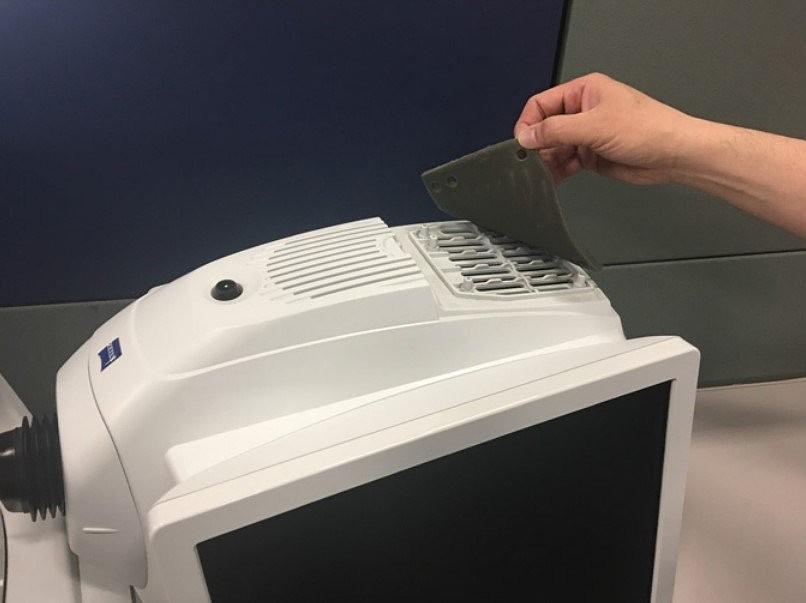
It is important to periodically inspect the fan filter located under the removable cover on top of
the instrument. The filter should be checked at least twice a year and more frequently in dusty
environments. Neglecting to maintain the instrument’s filter can result in dust build-up that can
affect the instrument’s internal temperature control.
Cleaning the fan filter
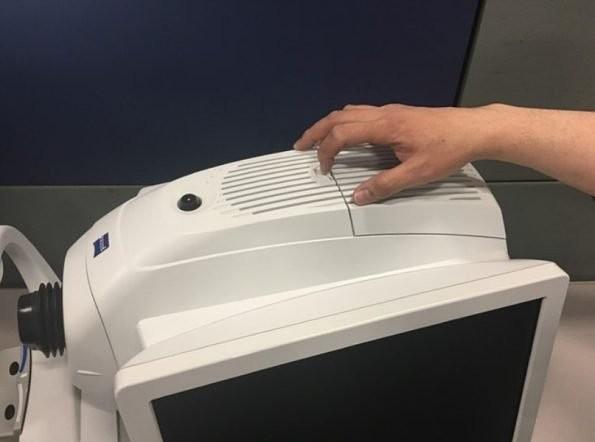
- To access the fan filter, first detach the top cover. Simply push on the snap connector, (Figure 1)
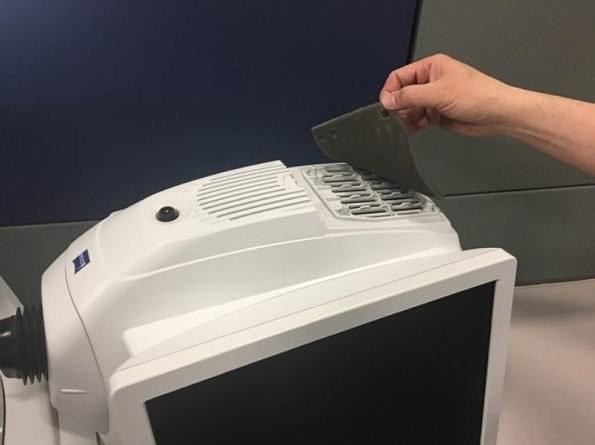
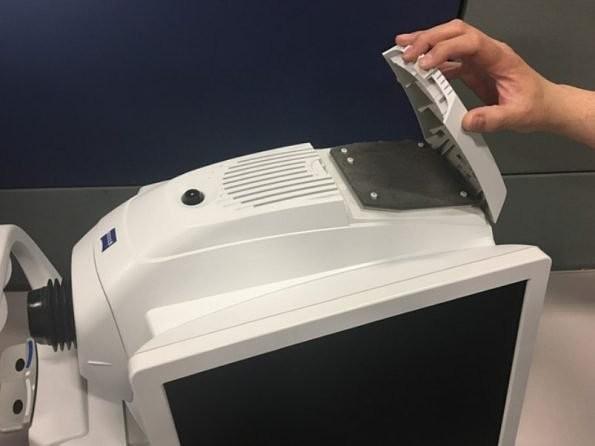
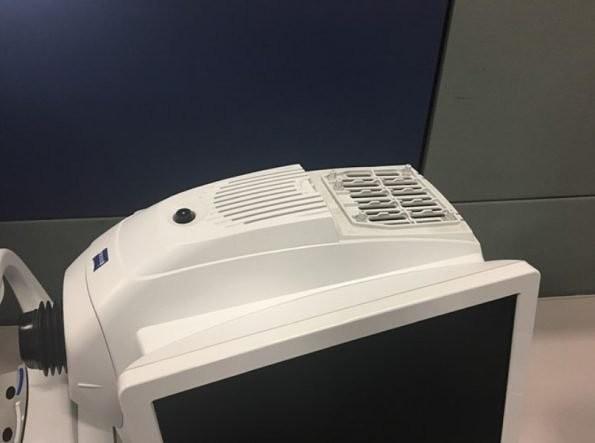
- pull the cover open (Figure 2) and remove the filter (Figure 3 and 4).
- Dust and loose dirt on the fan filter can be cleaned by shaking the filter by hand or if needed
- it can be washed using a mild liquid soap and water. Allow the filter to thoroughly dry before
- placing it back into the instrument.
- Replace the top cover.
Replacing the fan filter
If needed, order a new fan filter by contacting Eyeconic Customer Care at 1-855-393-2667 and ask for a CIRRUS HD-OCT fan filter.